How to create username in WhatsApp?
WhatsApp Usernames Now Available in UAE: How to Reserve Yours Before Someone Else Claims It
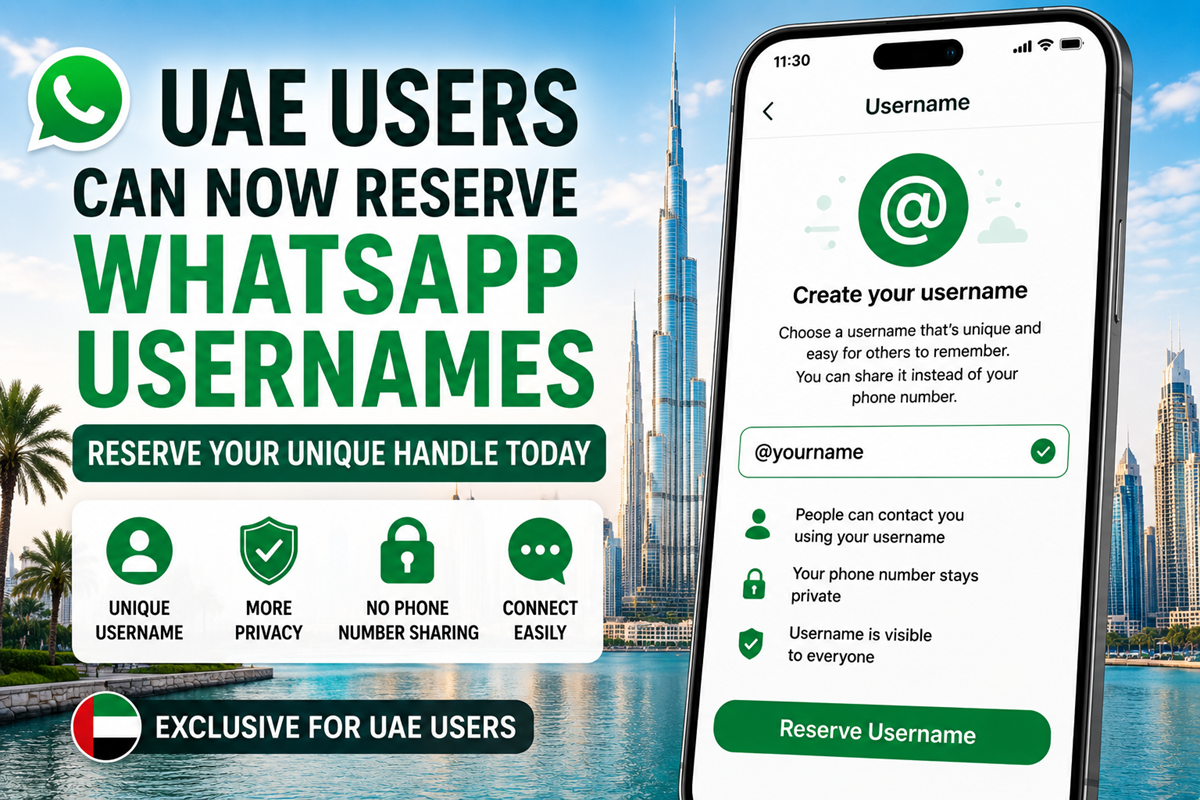
WhatsApp has begun allowing users in the UAE to reserve unique usernames ahead of its global rollout, giving millions of people the opportunity to secure their preferred handle before it becomes widely available.
The long-awaited feature is one of WhatsApp’s biggest privacy upgrades, allowing users to connect with others without sharing their personal phone numbers. Instead, conversations can begin using a unique username, offering greater control over privacy while making it easier to communicate with new contacts.
How to change or delete WhatsApp username once created?
Yes, you can.
Why WhatsApp is Introducing Usernames?
For years, WhatsApp accounts have been tied to mobile phone numbers. With the new username system, users will be able to share a unique handle instead of revealing their phone number when chatting with people or businesses for the first time.
The feature is designed to:
- Improve user privacy
- Reduce unwanted exposure of phone numbers
- Make connecting with new contacts easier
- Give creators, businesses and professionals a consistent online identity
Existing contacts who already have your phone number will continue to see it where applicable, but new conversations can be initiated using your username.
If the feature is available on your account, you can reserve your username by following these steps:
| On Android | On iPhone |
| Update WhatsApp to the latest version. | Update WhatsApp. |
| Open Settings. | Open Settings. |
| Tap Account. | Tap your profile. |
| Select Username. | Select Create Username. |
| Enter your preferred username. | Choose an available username. |
| If it’s available, confirm and save it. | Confirm your selection. |
Users will receive a notification once the feature becomes available for their account as the rollout expands.
Who Gets Priority?
To help maintain brand consistency and prevent impersonation:
- Businesses, creators and organisations can claim usernames that match their existing Facebook or Instagram handles, where available.
- Usernames for well-known public figures have been reserved to reduce the risk of impersonation.
Since usernames must be unique, popular names may be claimed quickly once the feature becomes available.
Important Things to Know
Before choosing your username, keep these points in mind:
- Every username must be unique.
- People must know your exact username to contact you.
- There is no public directory or username search feature.
- Your phone number still required to create and maintain your WhatsApp account.
- Usernames can be changed later if needed.
WhatsApp is also introducing an optional security feature that lets users create a username key for added protection against unwanted messages.
Why You Should Reserve Your Username Early?
With more than 3 billion WhatsApp users worldwide, competition for simple and recognizable usernames is expected to be intense.
Reserving your preferred username early can help you:
- Secure your personal or business identity.
- Protect your brand across Meta platforms.
- Avoid using unwanted numbers or symbols later.
- Prepare for the full global rollout.
Early reservation gives users the best chance of claiming the username they want before demand increases.
Final Thoughts
WhatsApp’s new username feature marks one of the platform’s biggest privacy improvements in recent years. By replacing phone number sharing with unique usernames, users gain more control over how they connect with others while protecting their personal information.
If the feature has reached your account, reserving your preferred username early is a smart move—especially for professionals, creators, businesses and anyone who wants a consistent digital identity before the wider rollout begins.